













Teams and Agents Build Together with Slack Code
Real work has never been just the final product. The real work was always the conversation that led to it: the teammate who caught a half-formed idea, the objection that came early, the feedback that challenged a flawed assumption. The document or line of code was simply proof that all of those things had already happened.
AI agents worked in almost the exact opposite way. Someone opened a private tab, talked to an agent, built something, and then presented the finished result to the team. The team had no real chance to be part of the process. There was no opportunity to catch a wrong assumption early. It moved fast, but it moved alone.
Slack introduced Slack Code to change exactly that.
What Is a Code Channel?
Slack Code is built around code channels. When an agent is assigned to a project, a dedicated channel is automatically created around that work. Code diffs, planning documents, and live HTML previews appear directly in the channel. The team can redirect the work in the middle of the conversation or clarify constraints before the agent runs too far with an assumption.
Once the work is complete, the channel is automatically archived, while remaining searchable in Slack.
The result: the agent’s work progresses in real time, in full view of the team.
Why Did Slack Build It?
Slack Code did not come from an abstract vision. It came from a problem Slack engineers were facing themselves.
As teams began using software development agents more heavily internally, they ran into a clear limitation. Forcing complex, multi-step agent work into a standard channel thread was both noisy and insufficient. But moving developers into private browser tabs removed the very thing that makes Slack Slack: working openly, where everyone can see and participate.
The solution became obvious: agents did not need another tab. They needed a seat at the table.
The results followed. More than 70% of code channels are opened and closed within a single day, taking work from an idea all the way to a merged pull request. Engineers reach solutions faster, reviews require less context, and changes ship sooner.
Who Did Slack Start With?
Slack Code is currently live with Anthropic, Cognition, GitHub, OpenAI, and Vercel.
When Anthropic’s Claude opens a code channel, everyone can follow a summary of the work from the main thread. Cognition’s Devin can respond when someone flags a bug in the conversation, fix it, and return with a working preview.
The GitHub integration allows a non-technical team member to describe an issue in plain language, have the agent draft a fix, and request a review from an engineer, all without leaving the conversation. Vercel can generate a live preview as soon as a change is deployed and share the link directly in the channel.
Since its founding, Slack has stood behind a simple idea: work is better when it happens openly and together. Not behind closed doors, not in isolation, but in full view of the team.
AI agents did not have to threaten that idea. With Slack Code, they became part of it.
Now the agent can move fast without leaving the team behind. Wrong assumptions can be caught early, and direction can change while the work is still in progress. When the work is done, the channel is archived, and what remains is something that was not produced alone, but built together.
Other Trend Reports
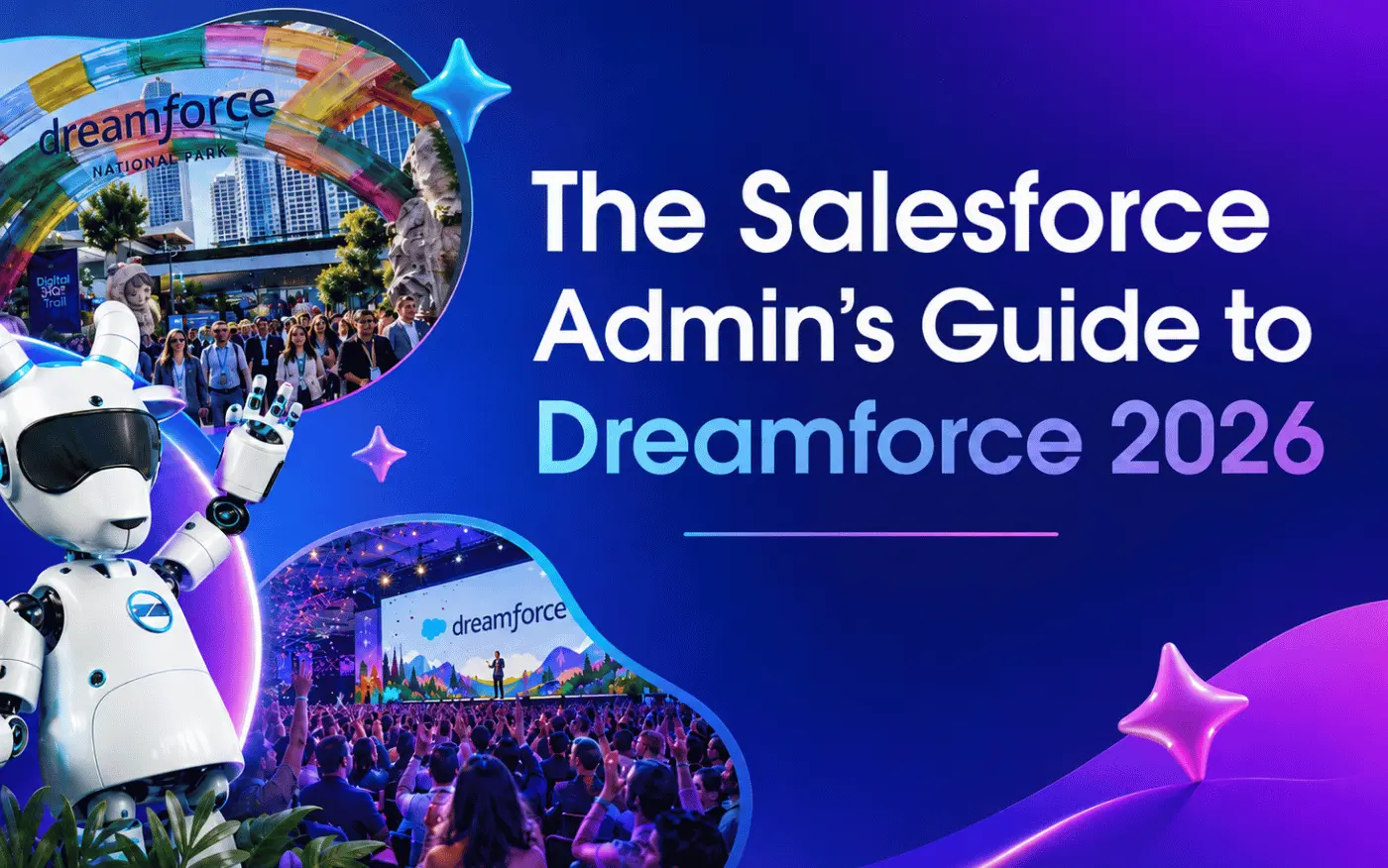
Dreamforce 2026 Preparation Guide
Everything You Need to Know Before Dreamforce 2026, taking place in San Francisco from September 15–17. Sessions, demo areas, registration details, and more.


When AI Agents Start Working Together, Who Ensures Trust?
How can companies trust AI agents that negotiate, decide, and transact? Identity, reputation, accountability, and human oversight are key.
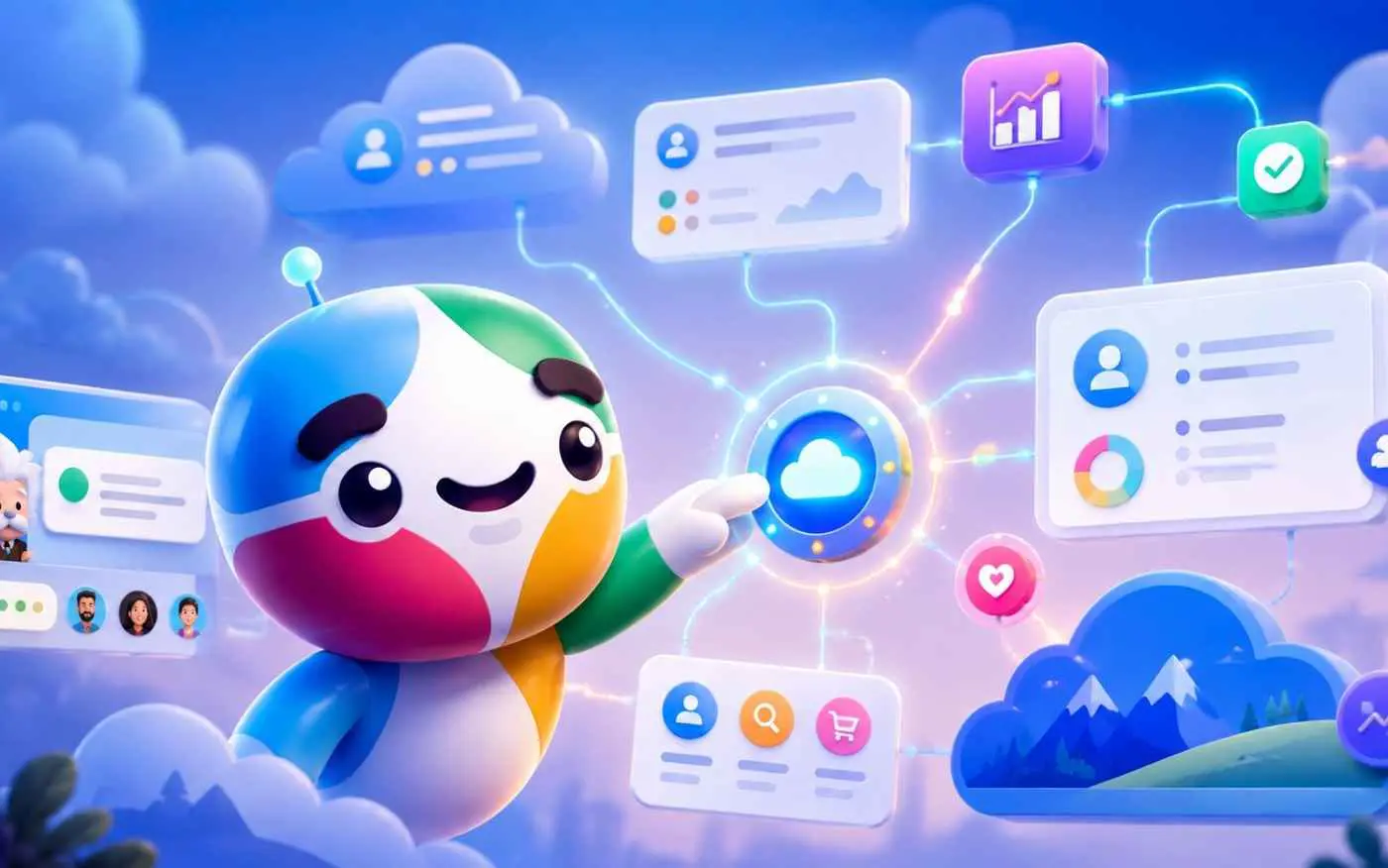
Slackbot Takes Action Across the Salesforce Ecosystem
Salesforce’s new MCP servers bring CRM, Tableau, Data 360, and connected business applications together through Slackbot. Teams can now do more than access data—they can take action directly within Slack.